
Windows 7

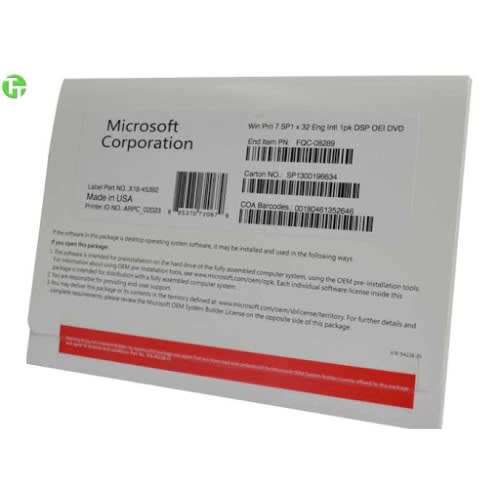
Windows 7

The design of Windows 7 is focused on five key points -- a laptop specific design; Design based on application service; Personalization of users; Optimization of audio-visual entertainment; User-friendly new engine. New features like skip lists and quick fixes to system failures make Windows 7 the easiest to use.
Easy to use
Windows 7 simplifies many designs, such as quick maximization, half-screen displays, Jump lists, and quick fixes to system failures.
simple
Windows 7 will make it easier to search and use information, including local, web and Internet search capabilities, a more intuitive user experience, and integration of automated application submission and cross-application data transparency.
High efficiency
In Windows 7, the system integration of the search function is very powerful, as long as the user opens the start menu and began to enter the search content, no matter to find applications, text documents, search function can automatically run, to the user's operation brings great convenience.
Reviews & Comments
Rating breakdown
Related Products