
Usb In-out Midi Cable Converter

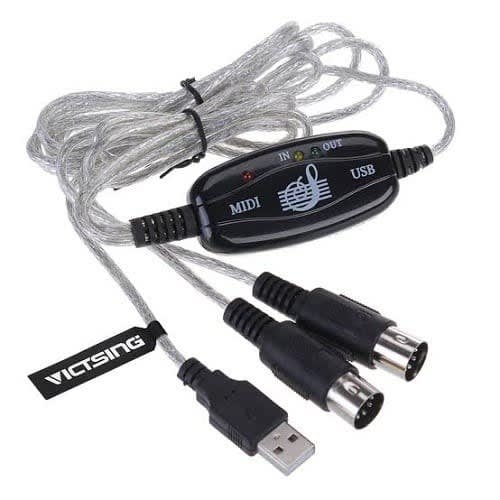
Usb In-out Midi Cable Converter
Price:
₦11,950
Share:

Product Description
| Colour | Black |
1. Connect the cable marked "IN" to the MIDI "OUT" socket of a MIDI keyboard (or MIDI device)
2. Connect the cable marked "OUT" to the MIDI "IN" socket of a MIDI keyboard (or MIDI device)
3. Plug the USB cable into any free USB socket on your computer, the red LED will light up to show it is powering on.
4. Open your music software program, e.g. Cubase, Sonar, MIDI Connections, etc.
5. Set the music programs MIDI in and MIDI Out devices to "USB Audio Device"
6. Your USB to MIDI interface is ready for use now.
7. To save potential problems, it is recommended that this interface is always connected to the same USB as it was originally installed on to prevent multiple installations of the driver.
Reviews & Comments
Rating breakdown
Related Products
Usb In-out Midi Cable Converter
₦ 11,950