
1pcs Ergonomic Rechargeable Silent Wireless Computer Bluetooth Mouse Silver

1pcs Ergonomic Rechargeable Silent Wireless Computer Bluetooth Mouse Silver

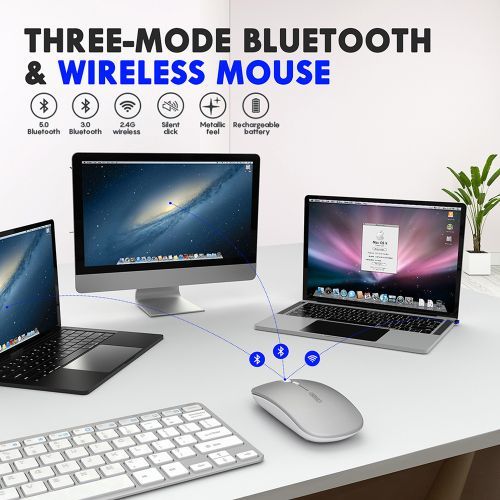
The difference between 2.4G and Bluetooth
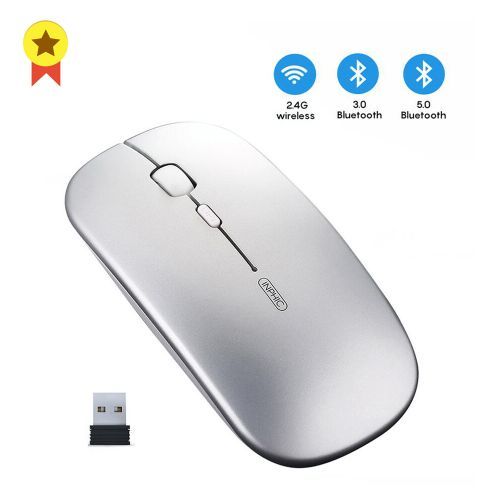
2.4G Wirerless =Only Use USB Receiver Connect With Your Computer 2.4G + Bluetooth 3.0 + Bluetooth 5.0 = You Can Use Both Of USB Receiver and Bluetooth to Connect With Your Computer ( Our Bluetooth Support 3.0 and 5.0
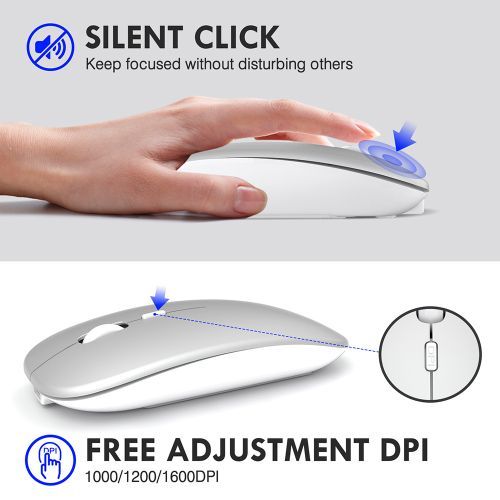
SILENT CLICK
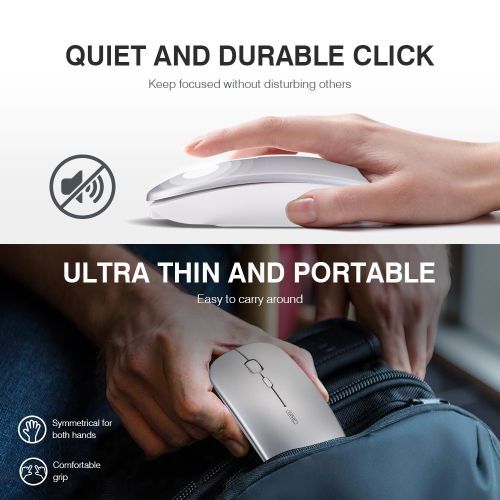
The mute design of the bluetooth mouse for laptop provides low-noise clicks, which reduce the click sound by 80% compared to traditional USB mice, making it ideal for any occasion you don't want to bother others. (Note: only the left and right primary keys support silent clicks.)
RECHARGEABLE DESIGN AND UPGRADE ENERGY SAVING
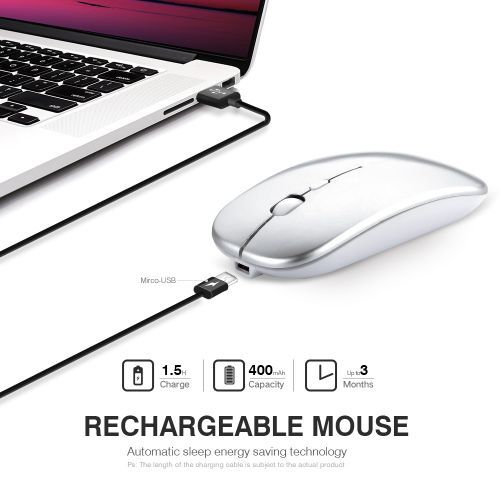
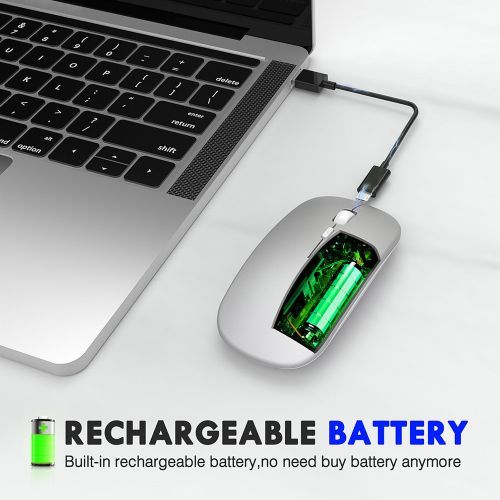
Our rechargeable bluetooth mouse has a built-in battery that can be recharged via a USB cable. Its superior automatic dormancy energy-saving technology can guarantee long-term battery life. Tested by our l aboratory data, fully charged for up to 30 days use.
ULTRA-THIN, PORTABLE DESIGN
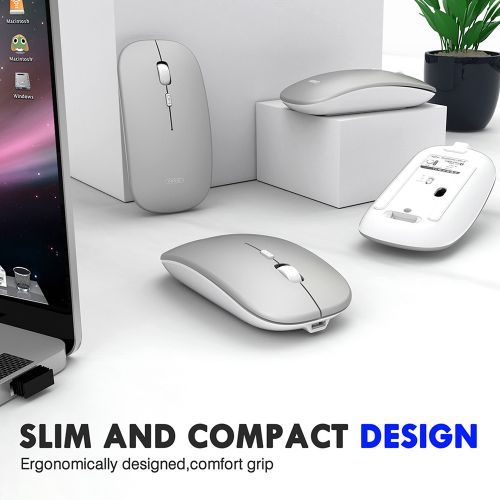
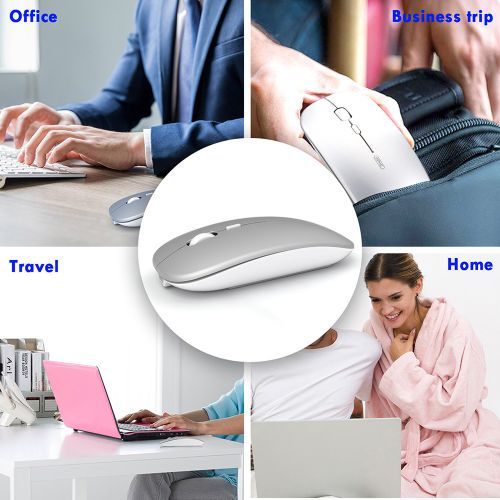
The portable Mobile wireless Bluetooth mouse can easily be stored in your laptop bag or pocket so you have it anywhere you need it. Wonderful travel mouse, worth a try.
How to connect to Bluetooth mode?
Turn on the power switch . Press the mode button to Bluetooth mode. Bluetooth 5.0 mode: green light flashes slowly; Bluetooth 3.0 mode:blue light flashes slowly Press and hold the button around 3 seconds to enter pairing mode. when the indicator flashes frequently(Bluetooth 5.0: Green; Bluetooth 3.0: Blue), that means the mouse already in pairing mode. Turn on your Bluetooth function,search Bluetooth name "BT5.0 Mouse_Pro" or "BT3.0 Mouse" in your device, click to connect. The indicator light will go out after pairing and the mouse can be used normally.
More Information About The Mouse
INPHIC Upgraded Bluetooth 5.0/ Bluetooth 3.0/ USB 2.4G wireless mouse realizes the ideal of one mouse to control three devices, which provides more convenience for people who use multiple devices. Whether it's M a c, Windows, Chrome OS, or Android tablet, or switching between them, the mouse works fine. About charging: The blue light on the wheel is always on when charging, and the light is off when the battery is full. Charging time is about 3 hours. Low-voltage display: When the red light flashes at the mouse wheel, it indicates that the voltage is lowered and it needs to be charged in time. System Requirement 2.4G wireless mode: Win XP / WIN7 / WIN8 / WIN10 or later Bluetooth 3.0 mode: Win XP / WIN7 / WIN8 / WIN10, For M a c OS X 10.10 or later, Chrome OS, Android 4.3 or later System Bluetooth 5.0 mode: WIN8 / WIN10,For M a c OS 10.10 or later, For iPad OS 13.1 or later, Chrome OS, Android system (Bluetooth 5.0 does not support Win 7/ XP)
What's In the Box
1x wireless mouse1x usb receiver1x charging cable
| Model | Wireless Mouse |
|---|---|
| Production Country | China |
| Size (L x W x H cm) | 4x9x3 |
| Weight (kg) | 0.115 |
| Color | Sliver |
| Main Material | ABS |
| From the Manufacturer | N/A |
| Care Label | N/A |