
Car Key Programmer

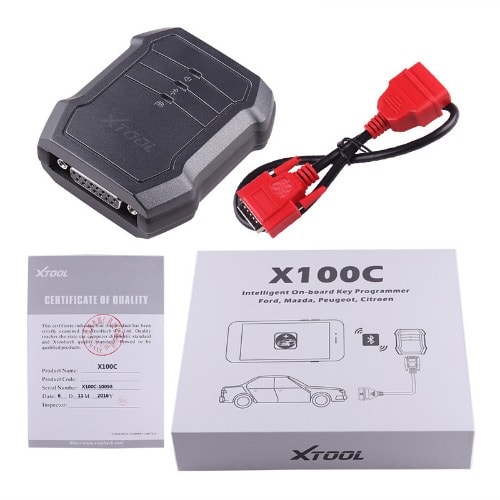
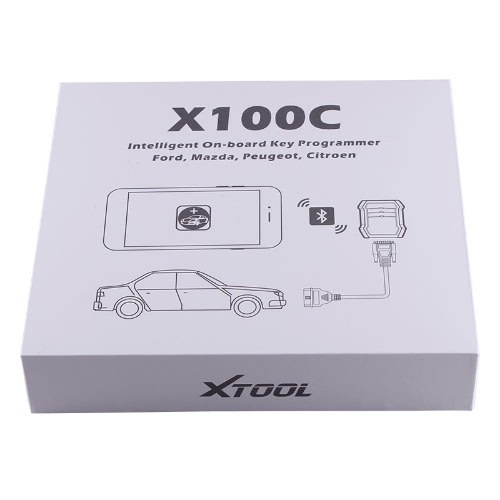
Car Key Programmer

X-100 C for iOS and Android
Features:
Vehicle Compatibility. X-100 C works with four brand cars, they are for Ford, for Mazda, for Peugeot and for Citroen.
Bluetooth auto reconnection: Once the Bluetooth is paired, you don’t need to input the code to pair with your phone anymore. The device will reconnect with your phone automatically.
Connection: Connection via Bluetooth Android and IOS
Free update: Download latest iOBD2 App with new features from Google Play
Screenshot of Application Android
Activation: Please activate X100 C before you use it to program keys. Input the serial number and press Activate
Immobilizer: Enter the software and choose your vehicle type, and then process programming.
Settings: By selecting Setting users can set the language, unit and other system related options:
- Language: Select the language. Please tick the required option from the multi-language options on the right.
- Bluetooth: Enter the Bluetooth setting and pair the phone Bluetooth with X100-C **** Bluetooth
- PDF: The reserved report can be read here.
- About: Users can read the software version and serial number here.
Report: It provides data flow during vehicle key programming.
Replay: It replays the data flow during vehicle key programming.
Screenshot of Application (IOS)
PS: If you want to change the language, you can enter “Settings” to achieve it.
If this picture shows up, it means you have to install a language pack first.
Activation: Please activate X-100 C before you use it to program keys. Input the serial number and press “Activate”.
Immobilizer: Enter this function, you need to choose brand first
Then you need to pick where branch you want to do
After that is choose a model
Last but not least is to choose a year
- Settings: You can change settings in this function or check the version and scan PDF files
- Bluetooth: Bluetooth is another important part, you have to connect your Bluetooth before you start. Here are steps:
1. Open your iPhone’s setting ->Bluetooth,->choose the one same as your device
Step 2: Check your setting in-app, it will show you connected if its success.
Reviews & Comments
Rating breakdown
Related Products