
Wii / Wii U Remote And Nunchuck Controller Joystick Gampad

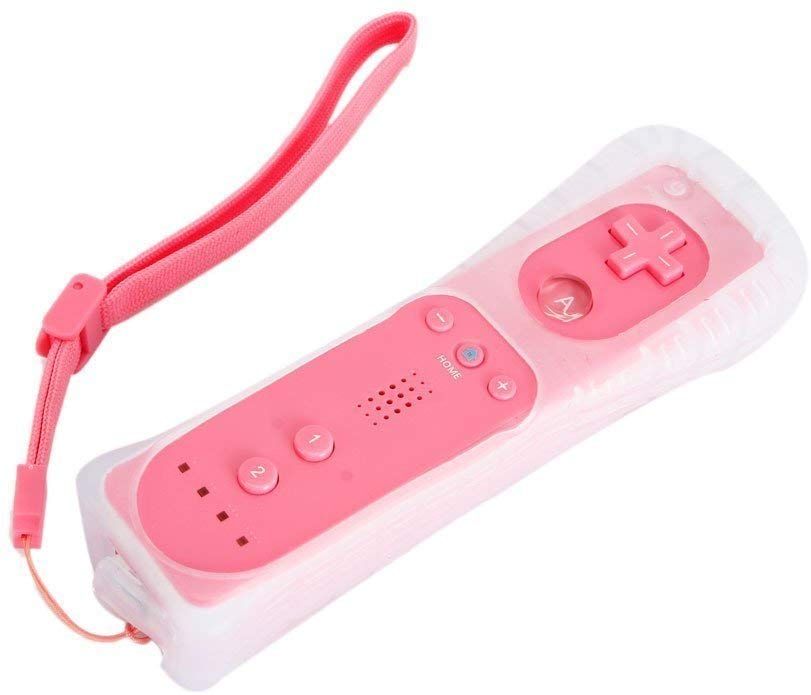
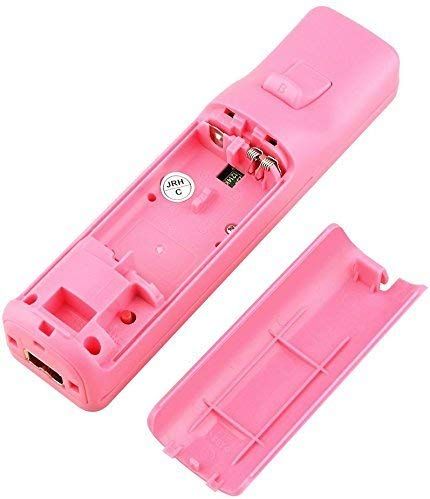
Wii / Wii U Remote And Nunchuck Controller Joystick Gampad

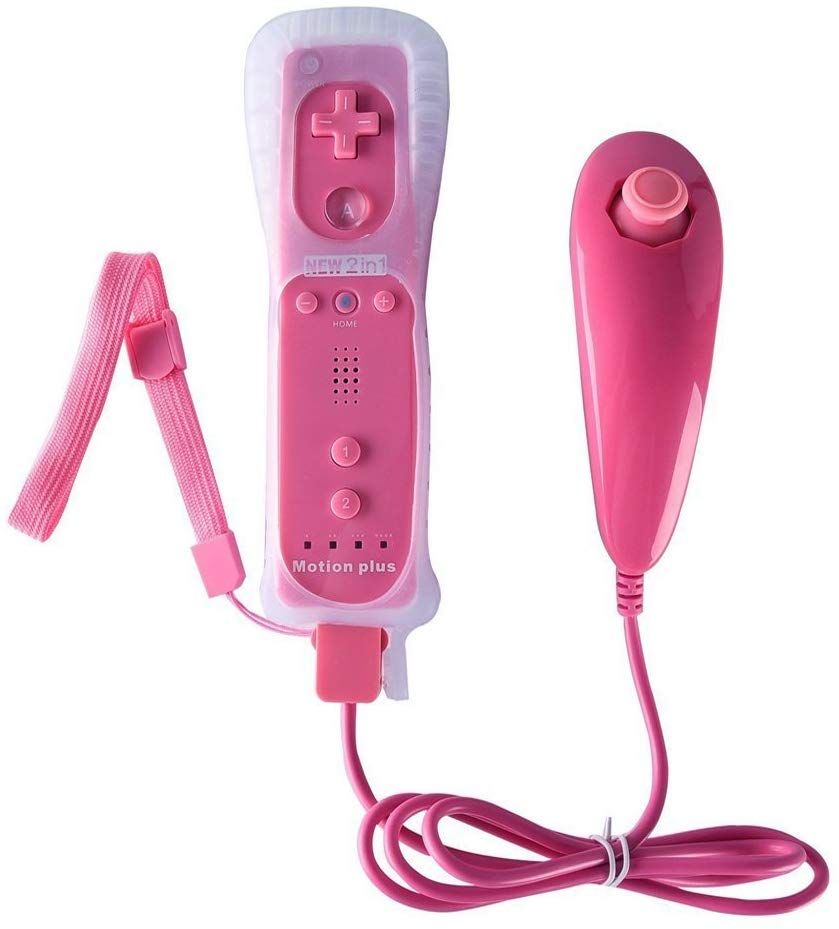
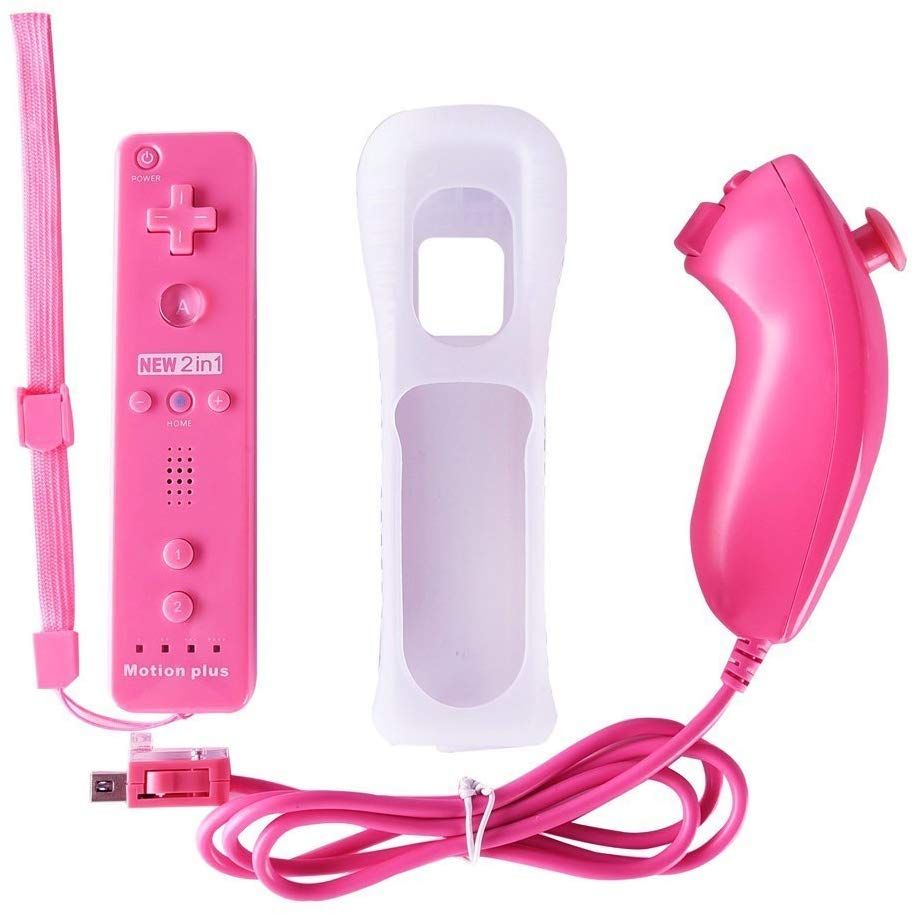
- Note: This product have Built-in motion plus function and silicone case
- Excellent Compatibility: This wireless controller is a third-party product, not produced by Nintendo. It is a game controller and nunchuck joystick with excellent sensitivity and accuracy, and the new remote wireless gaming controller and the nunchuck that is compatible with Nintendo Wii console. It is suitable for Wii games and also supports for mostly Wii U games, both of the wii remote and wii nunchuck can be separately applied to wii nunchuck and wii remote
- Easy and Convenient: The remote controller built-in Speaker which combines the function of pointer, speaker and shock vibration together. Connect with the console via Bluetooth by simply pressing the sync button
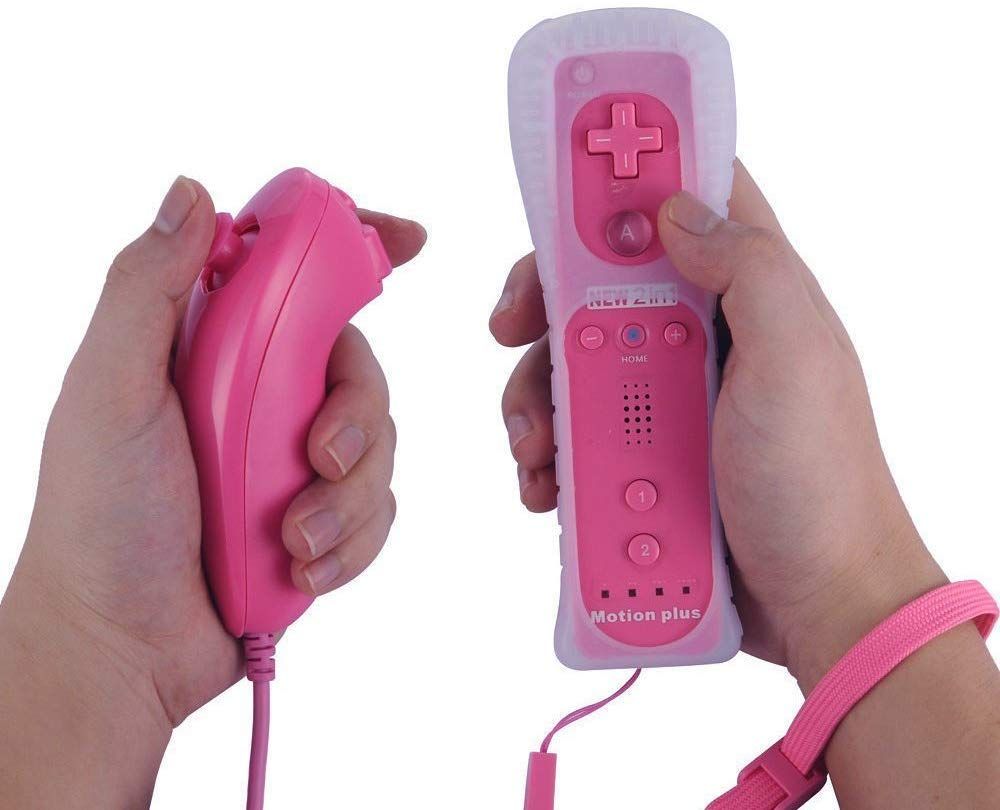
- Safe and stable: Silicone case protects the remote controller against everyday dust, hazards and scratches.Wrist Strip included for safe
- Plug & Play: Dock both of your remote and plug it into any USB port. No need to remove the battery. Powered by 2 AAbatteries (not included). Convenient to carry with hand strap
- Ergonomics Design: It features 3-axis motion sensor as Wii Remote. The controller is ergonomic design, Comfortable to hold, agile to play. Extremely strict test for all of our products before sold, bringing you with a relaxed game time
Key Features
Note: This product have Built-in motion plus function and silicone case
Outstanding performance and durabe quality remote and nunchuk controller
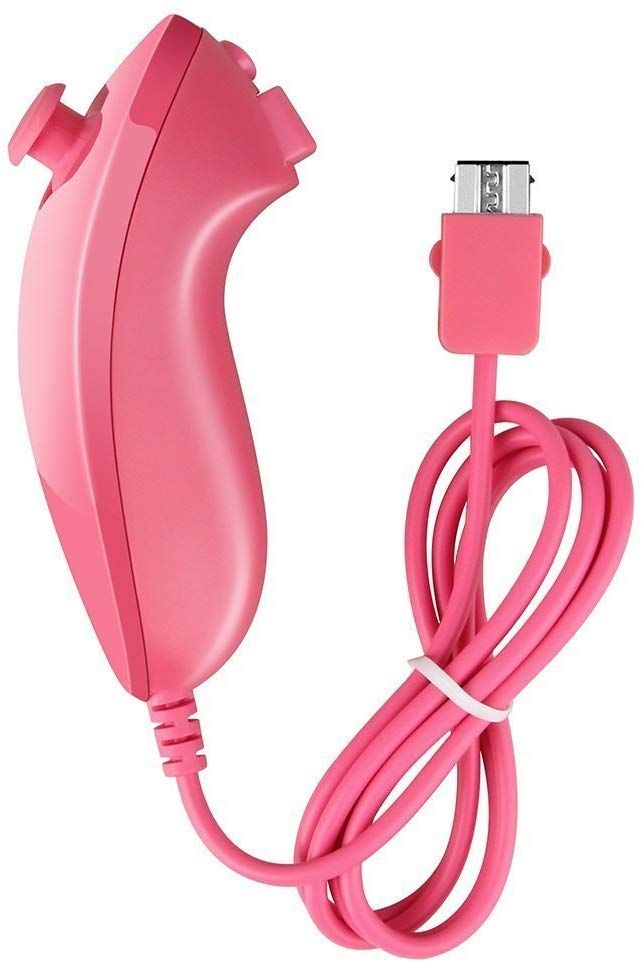
Nunchuck Controller Contains the Same Motion-Sensing Technology Enabled in the Wii Remote Controller but also Includes an Analog Stick to Assist in Character Movement
This controller combines the advanced motion-sensing features of Motion Plus with Remote.
Smaller, lightweight and better looking compared to old remote with motion plus.
Easy and convenient to operate and built-in Speaker.Convenient to carry with hand strap.
Third party product, not made by Nintendo
A must item for Nintendo Wii users
Excellant design for collecting an controller and motion plus together
Functions as a combination of a remote controller and a motion plus
Easy and convenient to operate
Region free, It can be used for any version of Nintendo Wii/WII U.
Connect to wii - Press the red button of WII machines first , then press the red button of the controller.
Free and comfortable to hold them in whichever hand.
Equipped with high quality silicone case and durable wrist strap.
| Model | Wii / Wii u remote gaming controller and nunchuck controller |
|---|---|
| Weight (kg) | 0.35 |
| Color | Pink |
| Main Material | ABS |
| From the Manufacturer | <h4 class="a-spacing-mini" style="box-sizing border-box; padding 0px; margin-top 0px; margin-right 0px; margin-left 0px; text-rendering optimizeLegibility; font-weight normal; font-size 17px; line-height 1.255; font-family "Amazon Ember", Arial, sans-serif; color rgb(17, 17, 17); margin-bottom 6px !important;">CONNECT</h4><h5 class="a-spacing-mini a-color-secondary" style="box-sizing border-box; padding 0px; margin-top 0px; margin-right 0px; margin-left 0px; font-size 13px; line-height 19px; font-family "Amazon Ember", Arial, sans-serif; margin-bottom 6px !important; color rgb(136, 136, 136) !important;">All new handles must be paired with the WII console to play the game.</h5><p style="box-sizing border-box; padding 0px; margin-top 0px; margin-right 0px; margin-left 0px; color rgb(17, 17, 17); font-family "Amazon Ember", Arial, sans-serif; font-size 13px; margin-bottom 14px !important;">The method is simple the handle opens the battery cover, there is a red button, open the wii SD card slot, there is also a red button. You need to press the red button on the main unit first, then press the red button in the battery cover of the handle to synchronize, then press the handle A twice, and the handle only lights up one to prove that it is up. You can play the game normally.</p><h5 class="a-color-secondary" style="box-sizing border-box; padding 0px; margin 0px; font-size 13px; line-height 19px; font-family "Amazon Ember", Arial, sans-serif; color rgb(136, 136, 136) !important;">Product Applicable Functions</h5><p style="box-sizing border-box; padding 0px; margin-top 0px; margin-right 0px; margin-left 0px; color rgb(17, 17, 17); font-family "Amazon Ember", Arial, sans-serif; font-size 13px; margin-bottom 14px !important;">WII Precision Game Games that do not require a precision device can also be used. Some games must use an accelerator handle. Please pay attention to the player.</p><h3 class="a-spacing-mini" style="box-sizing border-box; padding 0px; margin-top 0px; margin-right 0px; margin-left 0px; text-rendering optimizeLegibility; font-size 17px; line-height 1.255; font-family "Amazon Ember", Arial, sans-serif; color rgb(17, 17, 17); margin-bottom 6px !important;">About Charging</h3><p style="box-sizing border-box; padding 0px; margin 0px 0px 14px; color rgb(17, 17, 17); font-family "Amazon Ember", Arial, sans-serif; font-size 13px;"></p><ul class="a-unordered-list a-vertical" style="box-sizing border-box; color rgb(170, 170, 170); font-family "Amazon Ember", Arial, sans-serif; font-size 13px; margin 0px 0px 18px 18px !important; padding 0px !important;"><li style="box-sizing border-box; list-style disc; overflow-wrap break-word; margin 0px !important;">The handle should be fully charged before it can be used to activate its bursting energy.</li><li style="box-sizing border-box; list-style disc; overflow-wrap break-word; margin 0px !important;">As shown, there are four lights on the right handle. When all four indicators are on, it means that the battery is full; when only one indicator is on, it means the battery is not enough and you need to charge it in time.</li></ul> |