Surface Slim Pen 2 – Compatible With Surface Pro 8/surface & Pro X/surface Laptop Studio

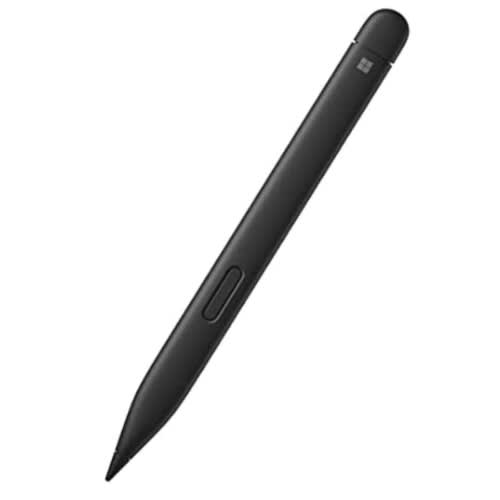
Surface Slim Pen 2 – Compatible With Surface Pro 8/surface & Pro X/surface Laptop Studio

Important information
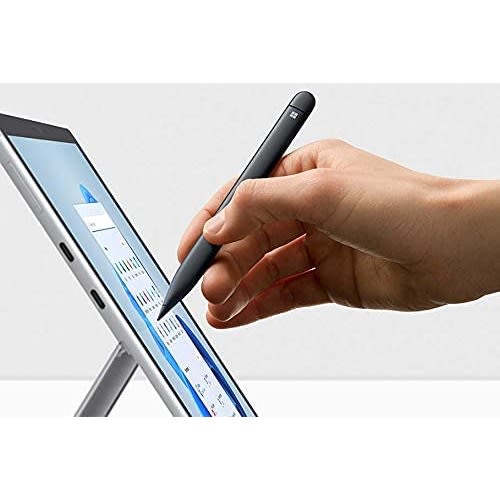
[1] Surface Slim Pen 2 experiences and compatibility vary by which device you are using it with. Visit aka.ms/SurfaceSlimPenCompatibility to learn more. [2] Zero force inking will only be work when Surface Slim Pen 2 is used with Surface Pro 8, Surface Pro X, Surface Laptop Studio , and Surface Duo 2. Additional compatibility details can be found at aka.ms/SurfaceSlimPenCompatiblity. [3] Surface Slim Pen 2 shown with Surface Pro 8.
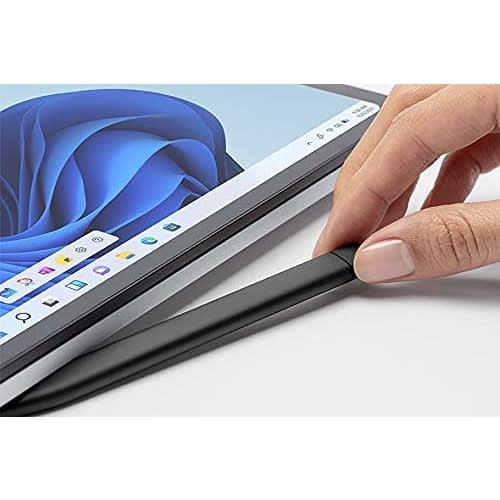
[4] Tactile signals in Surface Slim Pen 2 can be experienced on some applications on Surface Laptop Studio and Surface Pro 8 running Windows 11. Surface Laptop Studio and Surface Pro 8 sold separately. [5] Some software, accessories, and devices sold separately. App availability and functionality may vary by market and operating system. [6] Surface Slim Pen 2 tilt functionality is available with Surface Laptop Studio, Surface Pro 3-Pro 8; Surface Pro X; Surface Go 1-Go 3; Surface Laptop 1-4; Surface Studio 1,2; Surface Book 1-3. Additional compatibility details can be found at aka.ms/SurfaceSlimPenCompatibility.
[7] Pairing functionality requires Windows 10, Windows 11, or Android with the latest updates. [8] Battery life varies significantly based on usage, network and feature configuration, signal strength, settings and other factors. See aka.ms/SurfaceBatteryPerformance for details. [9] The USB-C Charging Base that came in-box with Surface Slim Pen 1 requires a firmware update through Windows Update to charge Surface Slim Pen 2. Visit aka.ms/SurfaceSlimPenChargerUpdate for more information. [10] Microsoft’s Limited Warranty is in addition to your consumer law rights.